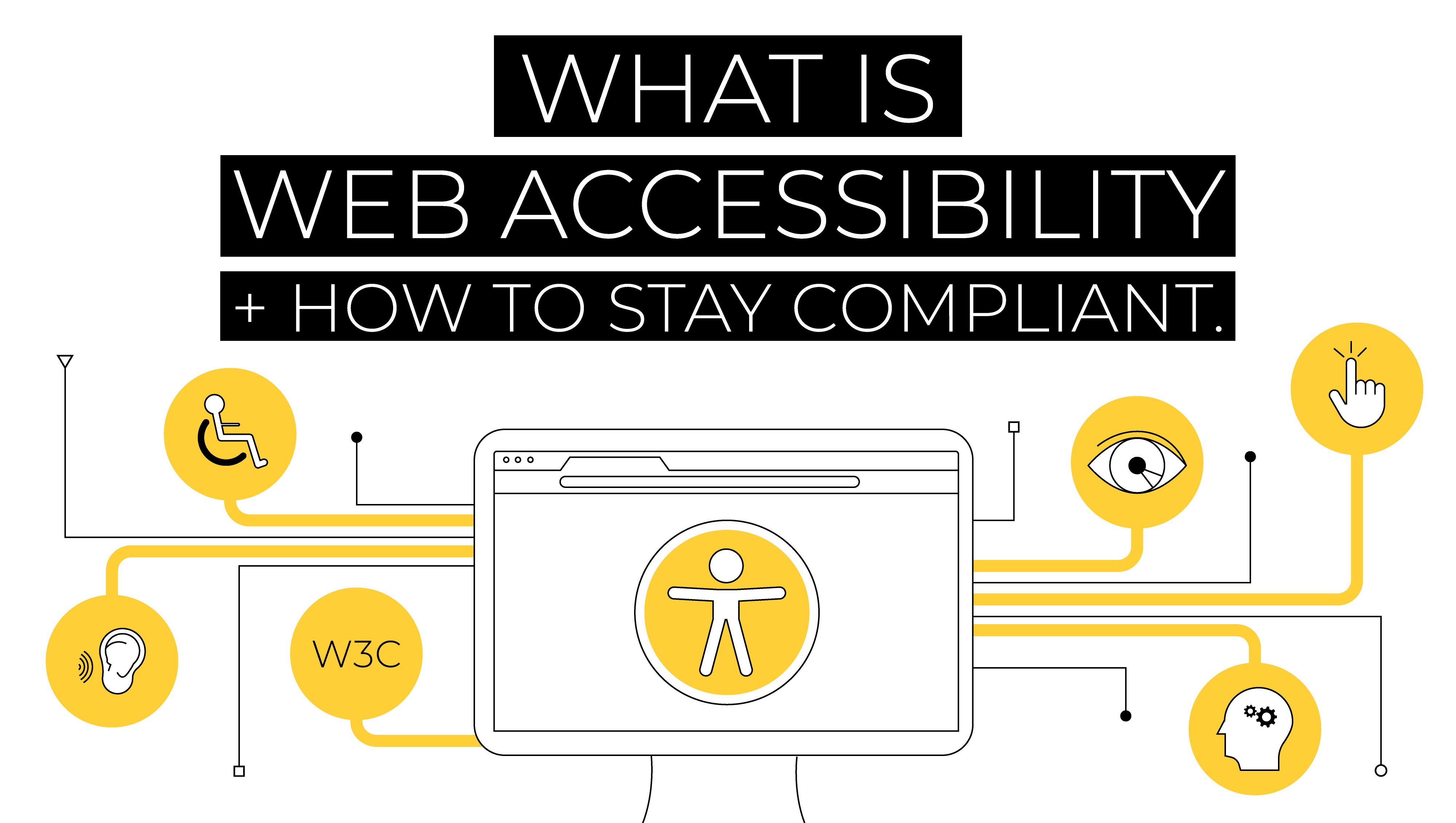
5 Essential Tips for Making Your Website Accessible to Everyone
Accessibility is crucial for ensuring that all users, including those with disabilities, can navigate and engage with your website. Here are 5 essential tips to enhance your website's accessibility:
- Use alternative text for images: Make sure every image on your site includes a descriptive alt text to provide context for users who rely on screen readers.
- Ensure keyboard navigation: Verify that your website can be navigated entirely using a keyboard, allowing users who can’t use a mouse to access all features.
- Implement clear heading structures: Use headings (H1, H2, H3) appropriately to create a logical structure that aids users in understanding and navigating your content.
Continuing with the importance of accessibility, here are two more tips that can make a significant difference:
- Choose a color scheme with high contrast: Ensure that text stands out against the background color to accommodate users with visual impairments.
- Provide transcripts and captions for multimedia: Offer text alternatives for videos and audio content, making sure your content is accessible to individuals who are deaf or hard of hearing.
Is Your Website a Digital Playground? How to Enhance User Experience for All
In today's fast-paced digital world, your website should serve as a digital playground, inviting users to explore, interact, and enjoy their experience. To achieve this, it's essential to understand the fundamental principles of user experience (UX). A seamless navigation system is the backbone of any effective website; it allows users to find what they're looking for quickly and easily. Consider implementing clear menus and a logical flow that guides visitors from one section to another. Additionally, using engaging visuals and responsive design ensures your site looks great on any device, making it accessible for all users.
Another crucial aspect of enhancing user experience is the speed and performance of your website. Users today expect websites to load in under three seconds; anything longer can lead to frustration and increased bounce rates. To keep your digital playground thriving, optimize images, leverage browser caching, and consider a Content Delivery Network (CDN) to improve loading times. Furthermore, incorporating interactive elements like polls, quizzes, or comments sections can boost engagement and make your website feel more alive. Remember, a well-maintained website fosters an inviting atmosphere where visitors feel welcome to explore and interact.
Understanding Web Accessibility: What It Means and Why It Matters
Web accessibility refers to the practice of making websites usable for people of all abilities and disabilities. This encompasses a range of technologies and practices that help ensure everyone can perceive, understand, navigate, and interact with the web equally. Accessibility is crucial not only for individuals with disabilities but also for improving user experience overall. An accessible website meets the needs of a diverse audience, including those with visual, auditory, or cognitive impairments, thus reaching a wider demographic and fostering inclusivity in the digital space.
Understanding web accessibility is essential for several reasons. First and foremost, it is a legal requirement in many countries to conform to accessibility standards, such as the WCAG (Web Content Accessibility Guidelines). Failing to comply can lead to serious legal repercussions. Moreover, adopting accessible practices improves the overall usability of your website, benefiting all users, including those on mobile devices or with slower internet connections. Ultimately, prioritizing accessibility not only enhances user experience but also drives greater engagement and loyalty from your audience.