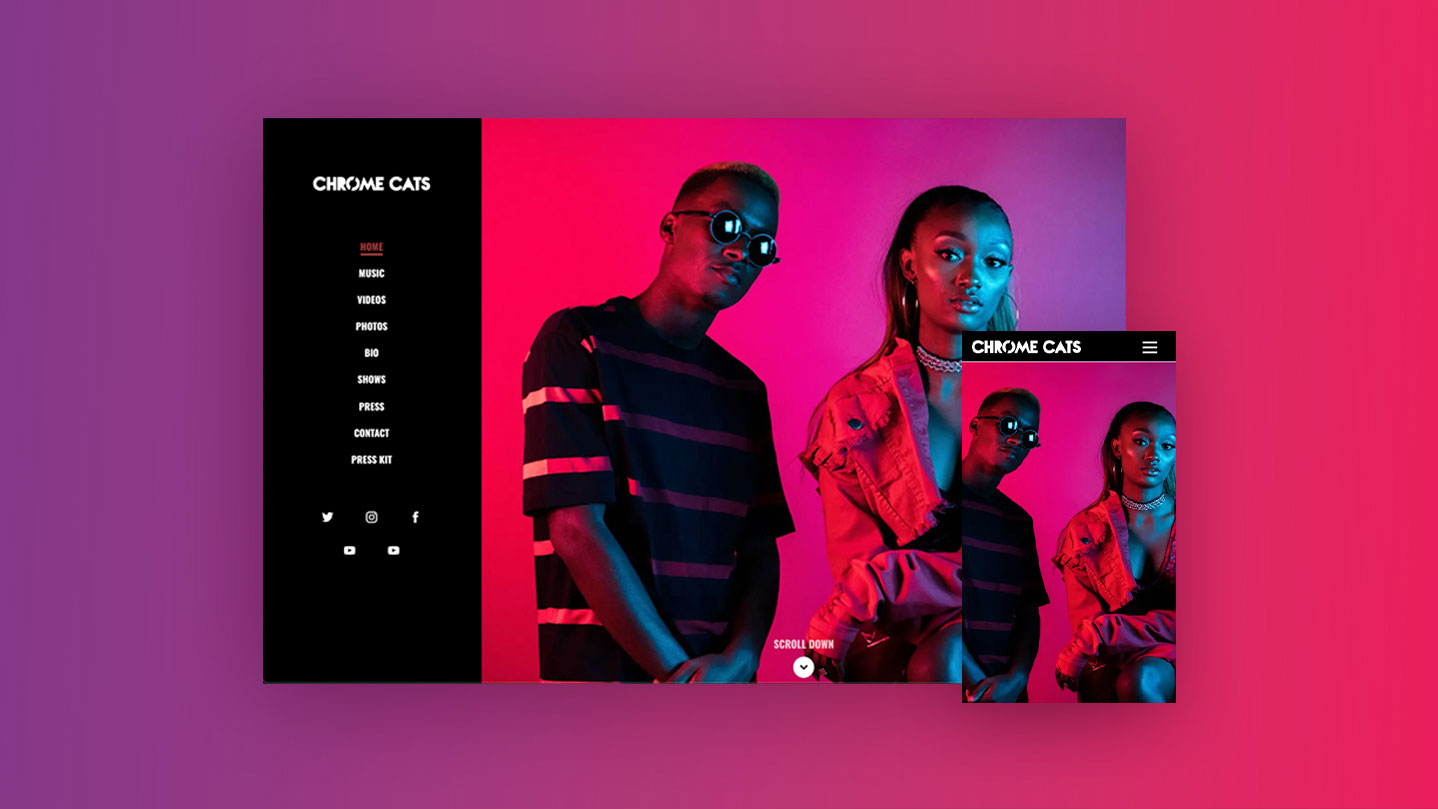
The Essential Elements of Effective Web Design: Blending Aesthetics with Functionality
Effective web design is built on two fundamental pillars: aesthetics and functionality. A visually appealing website captures the attention of visitors, while a well-structured layout ensures they can easily navigate and find the information they seek. To achieve this balance, consider implementing the following essential elements:
- Responsive Design: With the increase of mobile users, ensure your site is accessible on all devices.
- Consistent Branding: Use a cohesive color palette and typography that reflects your brand’s identity.
- User-Friendly Navigation: Simplify the menu structure to help users find what they're looking for effortlessly.
In addition to aesthetics, the functionality of a website is paramount to its success. This includes optimizing loading speeds, ensuring compatibility across various browsers, and integrating fast-loading elements. Usability testing is also critical; gather feedback to identify areas for improvement. Remember, a beautiful website that fails to serve its purpose will ultimately frustrate users. Emphasize not only what looks good but also what works well—this is the secret to creating a memorable online experience. For more insights, check out resources like Smashing Magazine.
How to Choose the Right Color Scheme for Your Website: Tips and Tricks
Choosing the right color scheme for your website is crucial, as colors can influence user perception and behavior. Begin by understanding the psychology of colors; for instance, blue often evokes feelings of trust and professionalism, while red can convey excitement and urgency. It's beneficial to create a mood board with inspiration from design tools to visualize how different hues work together. Make sure to select a primary color that reflects your brand identity, and then choose complementary or contrasting colors to enhance visual appeal.
When finalizing your website color scheme, take into account accessibility standards. Ensure that your text is legible against background colors, and consider incorporating the WebAIM contrast checker to validate your choices. Additionally, try to limit your palette to three main colors; this fosters a cohesive and streamlined look. By following these tips and tricks, you'll not only beautify your site but also improve user engagement and overall effectiveness.
What Makes a Website User-Friendly? Key Features to Enhance User Experience
A user-friendly website is one that prioritizes user experience (UX) by ensuring that visitors can navigate the site effortlessly. Key features that enhance usability include a clear and intuitive layout, fast loading times, mobile responsiveness, and uncomplicated navigation menus. A well-structured site allows users to find the information they need quickly, reducing bounce rates and increasing engagement. According to Nielsen Norman Group, usability is crucial for maintaining user satisfaction and encouraging repeat visits.
Moreover, incorporating accessibility features is essential for catering to all users, including those with disabilities. This can involve using readable fonts, appropriate color contrasts, and alternative text for images. Additionally, providing clear calls-to-action (CTAs) and ensuring that forms are easy to fill out can significantly improve interaction rates. As highlighted by W3C's Web Content Accessibility Guidelines, following these principles makes your website not only more user-friendly but also compliant with accessibility standards.