10 Essential Tips for Mastering WordPress Development
WordPress development is a powerful skill that can open doors to numerous opportunities in the digital world. Here are 10 essential tips to help you master WordPress development and become a proficient developer:
- Understand the Basics: Familiarize yourself with PHP, HTML, CSS, and JavaScript, as these are the foundational languages of WordPress development.
- Choose the Right Hosting: A reliable hosting provider can significantly impact your site's performance and security.
- Utilize Child Themes: Always create child themes when customizing themes to avoid losing changes after updates.
- Leverage Plugins: Use plugins efficiently to enhance functionality without overwhelming your site.
- Engage with the Community: Participate in forums and groups; learning from others is a key part of mastering WordPress.
- Focus on SEO: Ensure your sites are optimized for search engines; consider using plugins like Yoast SEO.
- Embrace Responsive Design: Ensure your themes are mobile-friendly to accommodate all users.
- Stay Informed: Keeping up with WordPress updates and changes is vital for any developer.
- Test Your Code: Always test your code in different environments to ensure compatibility and functionality.
- Document Your Work: Good documentation makes your projects easier to manage and understand over time.
How to Transform Creative Ideas into Code: A WordPress Developer's Guide
Transforming creative ideas into code is a critical skill for WordPress developers. It begins with a clear conceptualization of the idea you want to implement. Start by breaking down the idea into manageable components. Use tools like mind maps or flowcharts to visualize the structure and flow of your project. Once you have a roadmap, consider the functionalities you need to achieve your objectives. This can be anything from installing the right plugins to customizing themes and templates. Remember, the clearer your vision, the easier it will be to translate it into actual code.
Next, dive into the coding aspect with a focused approach. Here are some essential steps to help you along the way:
- Choose the Right Theme: Start with a theme that closely aligns with your idea.
- Utilize Custom Post Types: Create custom post types to manage content more effectively.
- Leverage WordPress Hooks: Use actions and filters to modify functionality without altering core files.
- Test Regularly: Implement continuous testing to identify bugs early in the process.
By following this structured method, you can effectively turn your creative concepts into functional code, ensuring that your WordPress site stands out.
What Makes WordPress the Go-To Choice for Creative Web Development?
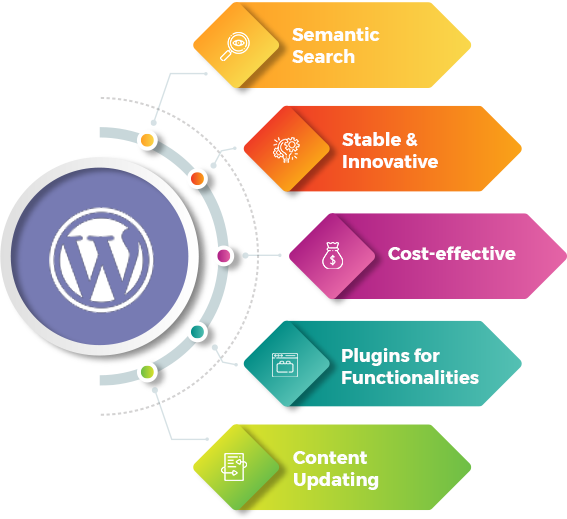
When it comes to creative web development, WordPress stands out as the go-to choice due to its unparalleled flexibility and user-friendly interface. With over 50,000 plugins and thousands of themes available, developers can easily customize a website to fit their unique vision. This extensive range of design options allows for the creation of visually stunning websites that cater to any niche, making WordPress a favorite among creative professionals.
Moreover, the SEO-friendly architecture of WordPress plays a significant role in its popularity for creative web development. The platform is designed with best practices in mind, including clean permalink structures and the ability to optimize title tags and meta descriptions with ease. By leveraging tools like Yoast SEO, users can further enhance their site's visibility on search engines, ensuring that their creative endeavors reach a broader audience.